
Instant BG Remover
Remove a pet photo background
Keep the animal in focus for a card, profile image or print layout.
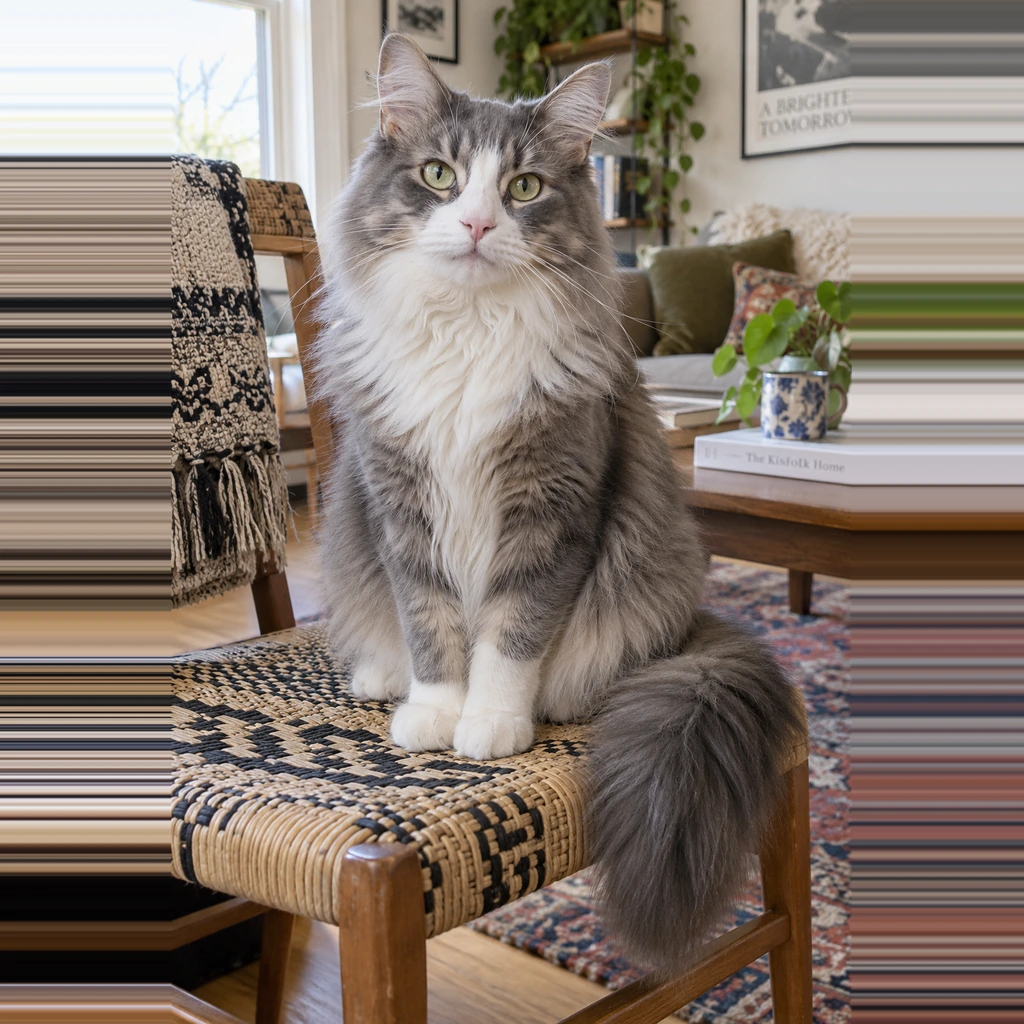
Three steps
- Choose a reasonably sharp photo with the full pet visible.
- Let the browser generate a cutout, then inspect fur, whiskers, paws and the gap around ears.
- Correct obvious missing or extra regions, choose a background, and save the result.
Ideas for the result
A transparent pet image can be placed on a birthday card, adoption profile or simple poster. If the source includes a leash, toy or blanket, decide whether that object belongs in your final composition and check whether the automatic mask kept it. A simple, contrasting source scene is usually easier to review than a crowded room.
Fur limitations
Long fur can appear clipped or carry a halo from the old background. Motion blur and very thin whiskers may not survive. Check the real downloaded PNG on dark and light colors; a checkerboard alone may hide the problem. Use the original if a natural outline matters more than a cutout.
Common questions
Can I remove only part of the background?
The automatic pass starts with a full cutout. The editor’s erase and restore controls can adjust selected areas.
Will every whisker be preserved?
No. Fine low-contrast detail is a known limitation and should be inspected at the intended display size.
Next steps
Checking fur and hair edges · Change a background · General background remover