
Instant BG Remover
Add a white background to a photo
A white backdrop can make a listing easier to read while keeping the product as the focus.
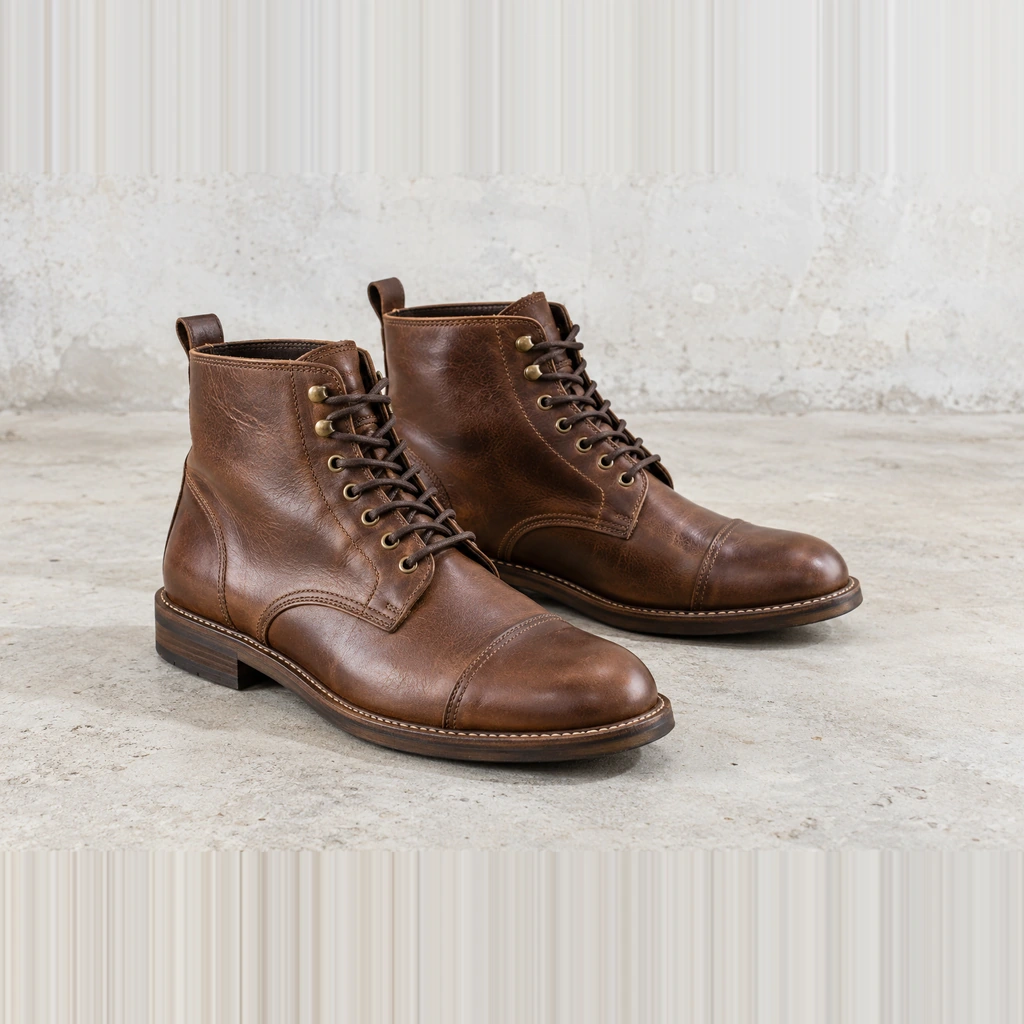
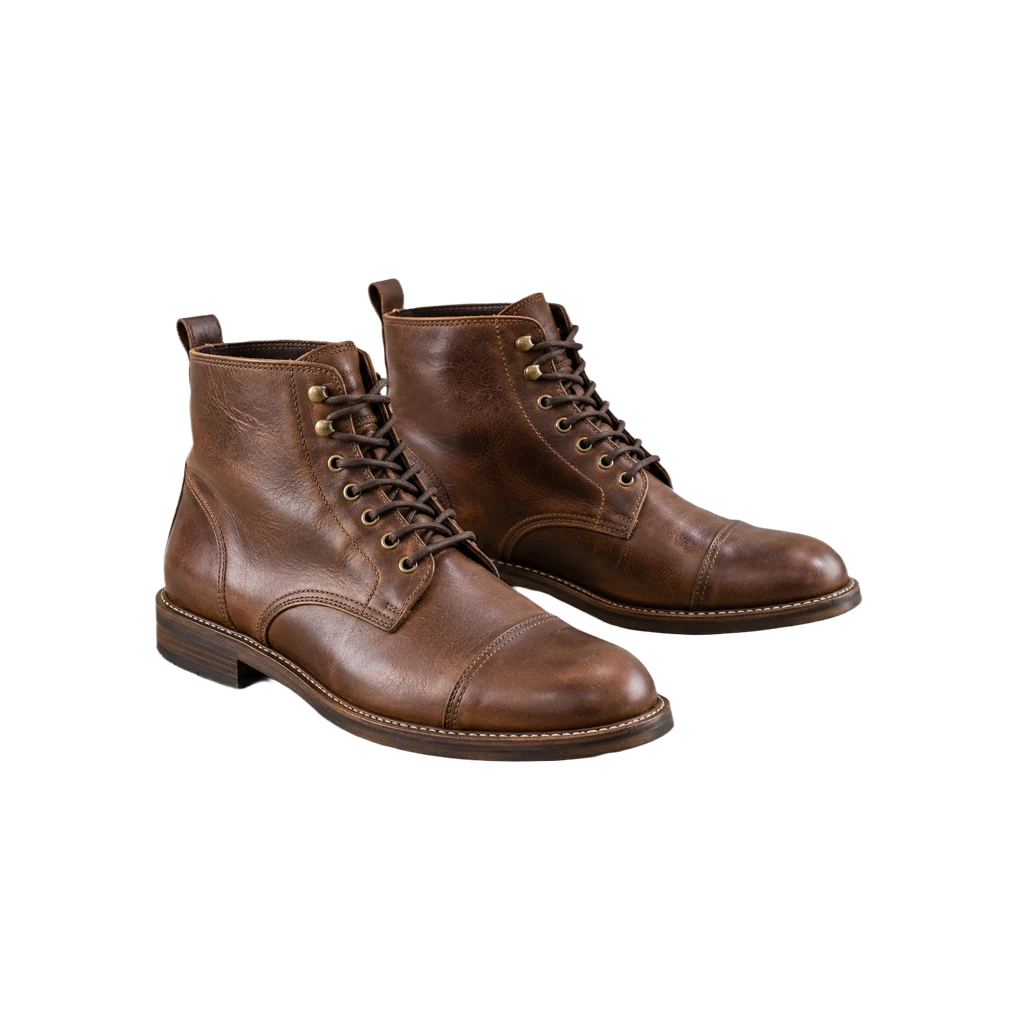
Three steps
- Upload a product photo with the complete item in frame.
- The editor removes the existing background and selects white. Inspect the cutout at normal size and zoom in on fine parts.
- Adjust the subject or background if needed. Download PNG or an opaque JPG after checking the result.
Use white deliberately
White is useful for catalog cards, invoices and marketplaces that request a plain background. Leave breathing room around the object so its silhouette is easy to see. Keep a consistent crop across a product series and check whether the marketplace specifies a particular image ratio or fill percentage; this tool does not certify compliance.
Known limits
White-on-white objects, transparent containers and fine shoelaces may blend into the original background. Automatic selection can omit a detached prop or keep a remnant. Compare against the original and use the editor's correction controls where needed. A synthetic shadow is optional and should be inspected for realism.
Common questions
Can I keep a transparent master too?
Yes. Save a transparent PNG before or after making the white-background version.
Does white mean my listing meets marketplace rules?
No. Check the store’s current image dimensions, allowed props and background rules yourself.
Next steps
Product background remover · White product photo guide · Transparent PNG maker