
Instant BG Remover
Add a black background to a photo
Create a dark presentation without hiding the details that define your subject.
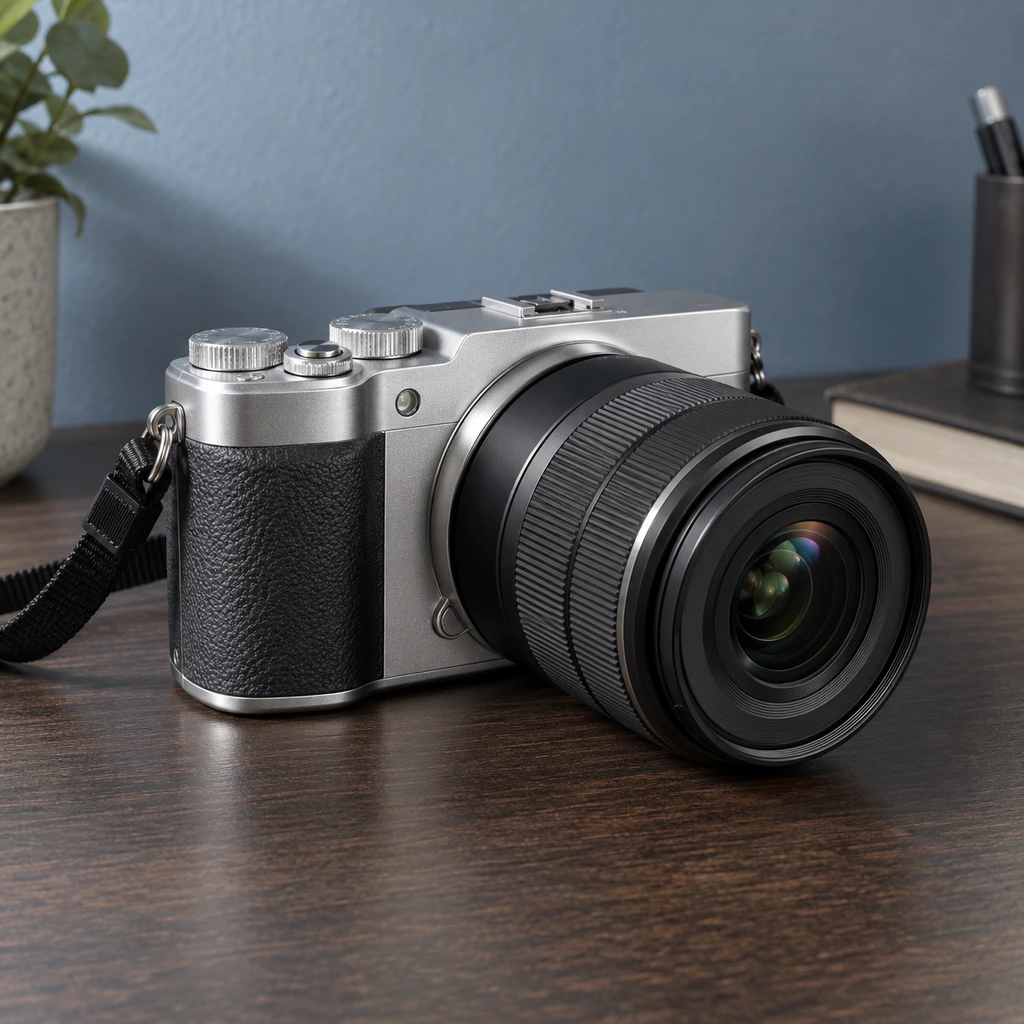
Three steps
- Select an image with the whole subject visible.
- Review the automatic cutout on black, zooming into dark clothing, glass and hair.
- Restore missing parts or erase stray background, then export the finished image.
Use cases
Black can give metallic packaging, bright products and event graphics more contrast. Test small thumbnail sizes as well as the full image: a dark product may need a lighter background or a restrained shadow to remain legible. Keep an untouched source for later versions.
What to inspect
Fringes that are invisible on white can be obvious on black. Transparent or reflective items can carry colors from their original surroundings. The editor changes the backdrop but cannot reconstruct surface detail that was obscured in the source photo.
Common questions
Can I change black to another color later?
Yes. The background color controls can be changed without uploading again while the image remains in the editor.
Can I save transparency instead?
Choose the transparent swatch and export PNG. JPG always needs an opaque background.
Next steps
Change a photo background · Background color guide · White background